Click to download now, finish the installation quickly, and directly unlock the all-round experience
Screenshots
Click to download now, finish the installation quickly, and directly unlock the all-round experience
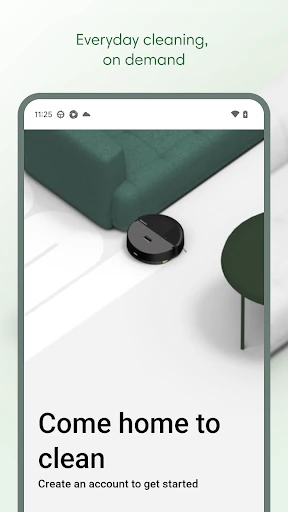
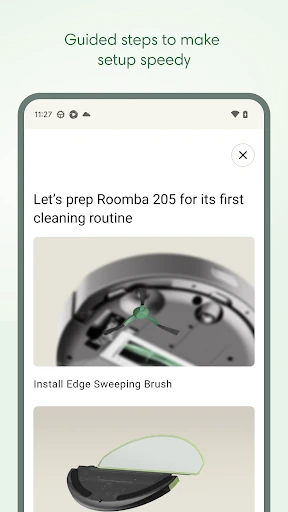
Roomba Home is iRobot’s companion app for Roomba 100, 200, 400, 500 and 700 series robots sold after March 2025. It lets owners start or stop cleaning, choose cleaning modes, schedule runs and adjust settings from an Android device. It suits households that want more control than a simple start button, especially when rooms need different cleaning instructions.
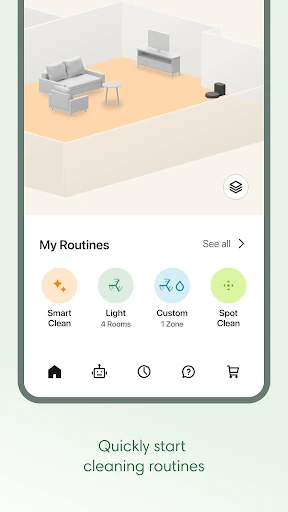
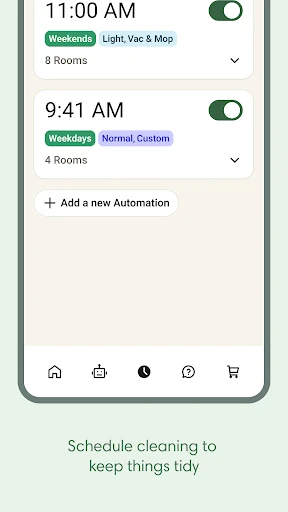
The app supports vacuuming, mopping or both, depending on the connected robot. You can select rooms, change suction and mopping liquid levels, choose the number of cleaning passes and enable advanced scrubbing where supported. Cleaning routines combine these choices into repeatable jobs, while schedules let the robot run on selected days and times.
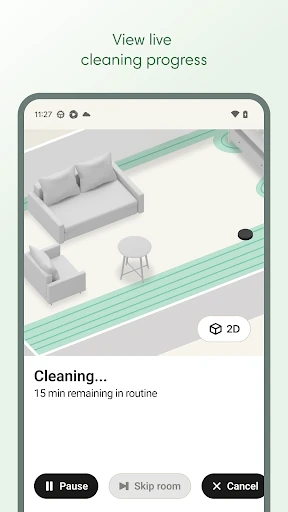
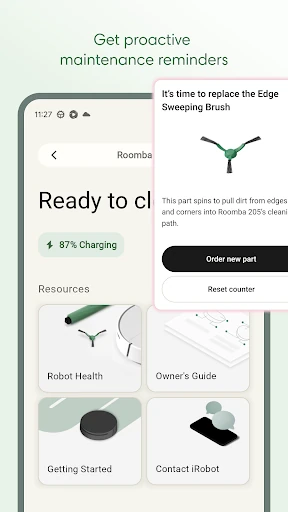
Saved maps can include room labels, zones and furniture, helping you send the robot to a specific area instead of cleaning the whole home. The app also shows where the robot is cleaning in real time and provides controls during a run. A health dashboard brings together maintenance guidance, troubleshooting suggestions and information about the robot and its accessories.
Roomba Home has a 4.38 rating from 6,921 reviews and 500,000+ installs. It is published by iRobot in the Lifestyle category. Compatibility matters: owners of Roomba models outside the listed series should use iRobot Home (Classic) instead. Roomba 100 series products require a 2.4 GHz Wi-Fi network and do not support 5 GHz networks. Voice control is available through compatible Alexa, Siri or Google Assistant-enabled devices.